
Skip to content

SiliconX TrueRead

Before you rent or buy, get a TrueRead

A listing or contract tells you what’s promised. TrueRead checks hardware identity so you can compare the findings with the offer before renting compute or buying servers and GPUs.
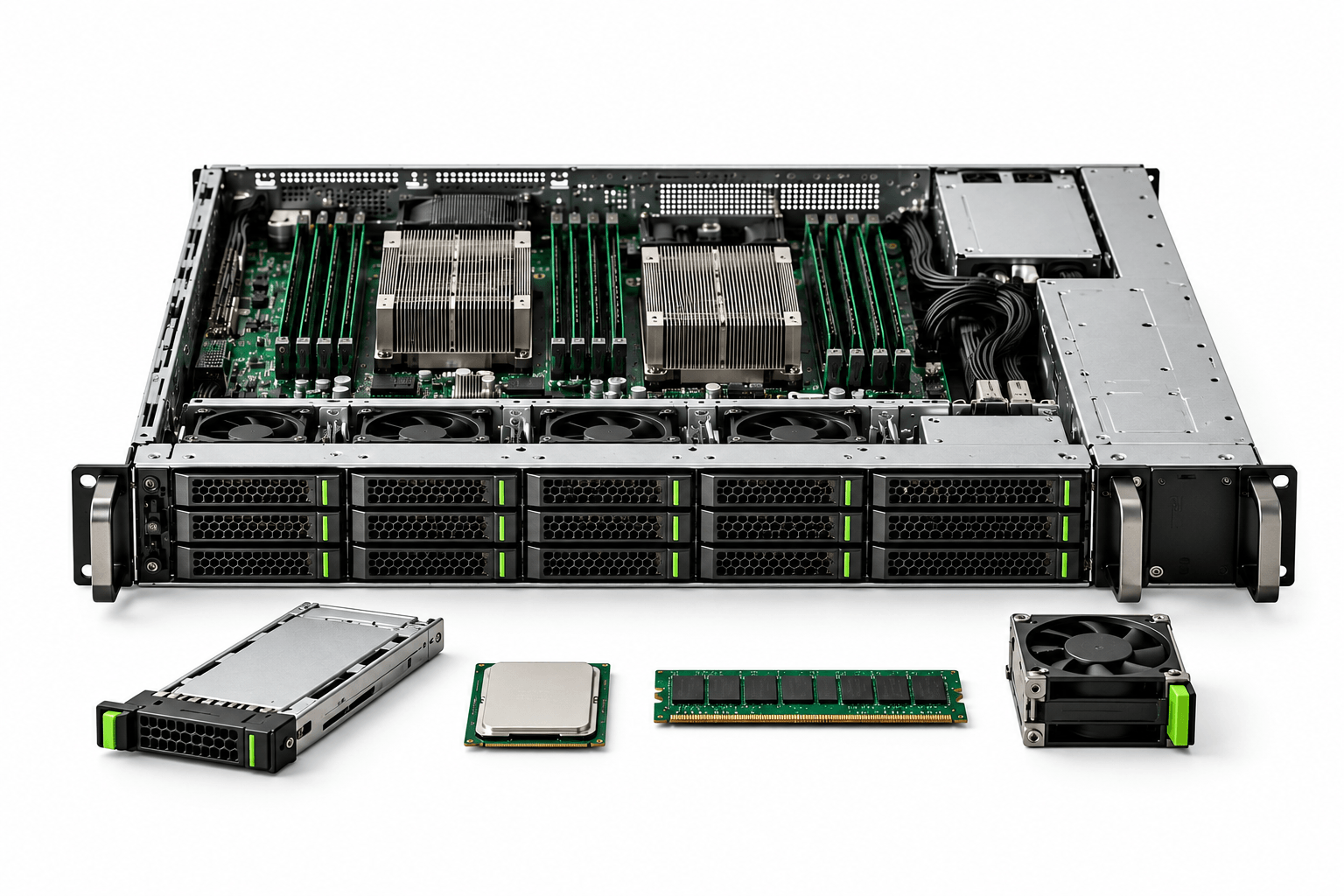
Enterprise computing hardware

What to verify in your next deal

Bring the hardware details from the provider’s or seller’s offer.

RENTING COMPUTE

Check the contract against the hardware

Before committing to a compute rental, check the hardware details in the provider’s offer. We’ll confirm what can be verified with the access available.

BUYING HARDWARE

Look beyond the listing

Before buying servers or GPUs, check that the hardware’s identity matches the seller’s description. Use the findings to ask better questions before you commit.

A record you can compare with the offer

Review the hardware identity, the scope of the check and any gaps in the findings.

Reggie inspecting a GPU at a workbench
SiliconX PassportSample

HP ProLiant ML350 Gen9

Examination recorded: 4 November 2026

Serial (masked)
H-471*******
CPUs
2 × Intel Xeon E5-2620 v3
GPUs
Tesla V100 SXM2 16GB
FirePro W2100
Identity coverage
9 of 10 parts identified
Test scope
Partial
Know what remains unassessed

No GPU test results were recorded. Storage remains unassessed.

Request a TrueRead

Check the hardware behind your next rental or purchase.

Please do not include passwords, access keys, or confidential files.

HOW IT WORKS

From check to SiliconX Passport

The result is a verification record in the SiliconX Passport: what was checked, when, the findings and any gaps.

Explore SiliconX Passport

01

Tell us what you’re considering

Tell us the model, whether you’re renting or buying, and what you want to confirm.

02

Check the hardware

We confirm the checks, access needed and any fees before starting. Ask about TrueRead Plus if you need diagnostic testing.

03

Review the SiliconX Passport

Compare the findings with the offer before deciding. Diagnostic results reflect the equipment and conditions tested.

Have hardware in mind?

Start with a TrueRead before your next rental or purchase.

HOW IT WORKS

Start with one offer

1. Tell us what you are evaluating

Share the hardware model, whether you plan to rent or buy, and what you want to confirm.

2. Agree on the check

The SiliconX team reviews the available access and evidence, then confirms what can be checked and any fees before work begins.

3. Review the evidence

See the findings, when the check was performed, and any gaps.

Diagnostic results describe the equipment and conditions tested. They are not a guarantee of future performance or verification of every component.

REQUEST A TRUEREAD

What are you planning to rent or buy?

Tell us the hardware model, whether you plan to rent or buy, and what you want to confirm. Add these details to the “How can we help you?” field below.

Please do not include passwords, access keys, or confidential files.

SELLER SUBMISSION

What inventory can you offer?

Share the hardware models, quantities, condition, location, and availability date. Include these details in the “How can we help you?” field below. Our team will review your inventory and follow up on next steps.